Mastering Webinars & Seminars: Using Custom Links and Capacity Control
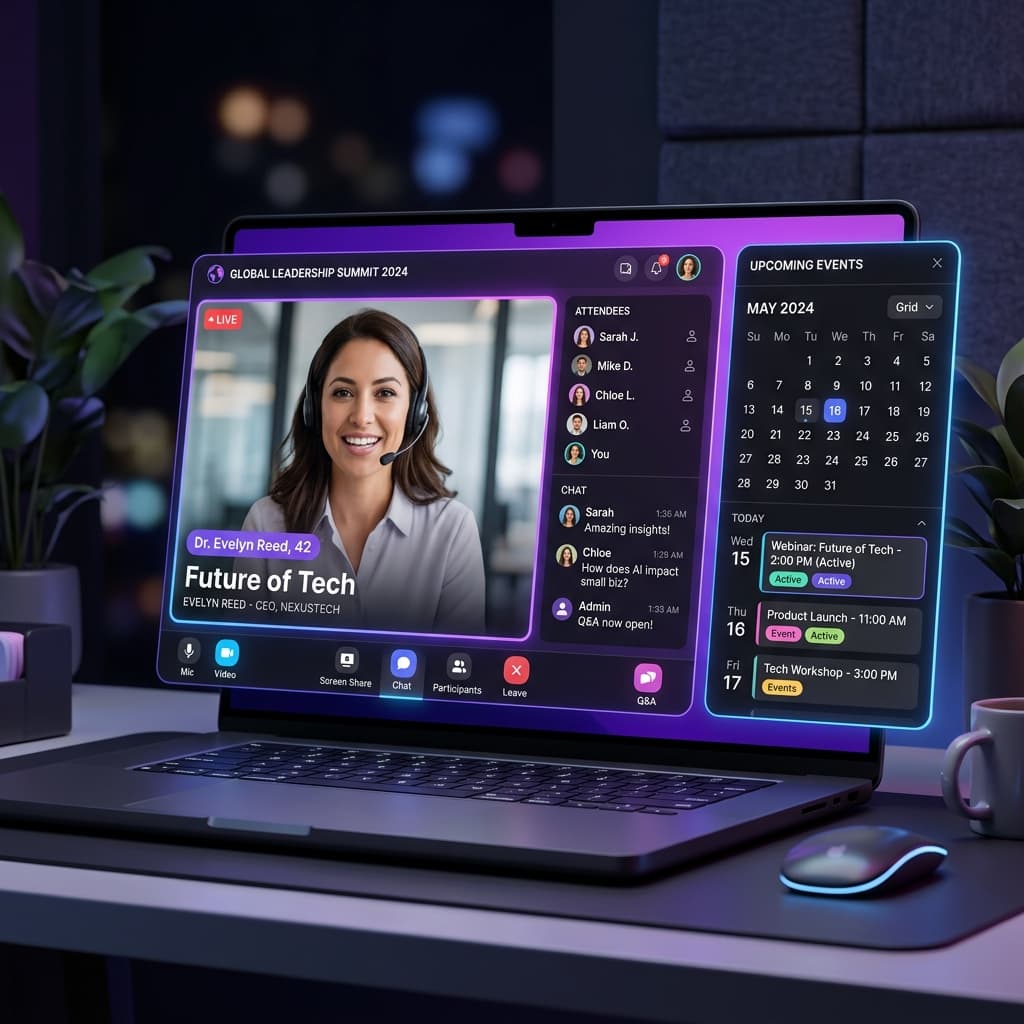
Key Takeaways (AI Summary)
- Hosting a successful webinar requires more than just a presentation. Learn how to automate registration, enforce capacity limits, and distribute your Zoom/Google Meet links securely.
- In Pynath Booking, simply create your Webinar service and paste your custom Zoom or Google Meet link into the Location field. When attendees book the slots, the meeting link will automatically be embedded in their confirmation emails and calendar invites.
- Covers topics related to Webinars
The virtual event space has exploded. From educational seminars to corporate webinars, managing attendees shouldn't be harder than giving the actual presentation. Yet, many organizers struggle with manual spreadsheet tracking, broken calendar invites, and leaked Zoom links.
The Challenge of Virtual Event Scheduling
When hosting a webinar, you have three primary challenges:
- Capacity Control: Making sure you don't exceed your Zoom or Google Meet attendee limit.
- Automated Link Distribution: Securely giving the meeting link only to registered users.
- Automated Nudges: Reminding attendees 1 hour before the event so they actually show up.
Adding Custom Meeting Links in Pynath
Pynath Booking treats virtual locations exactly like physical ones, but with digital intelligence. When setting up your seminar service:
- Navigate to the "Location" field of your service.
- Select "Custom Meeting Link".
- Paste your generated Zoom, Google Meet, or Webex link.
When an attendee books a spot, Pynath instantly sends them a high-fidelity confirmation email with a "Join Meeting" button directly linked to your custom URL. The link is also seamlessly embedded into their Google Calendar invite.
Enforcing Strict Capacity
If your webinar license limits you to 100 participants, use the Max Attendees feature. Set the capacity to 100. Pynath will handle all registrations independently and automatically mark the event as "Sold Out" once the limit is reached—zero manual intervention required.
Want to try this for your business?
Set up online booking in under 5 minutes. Free forever for solo professionals (Free Plan limits apply).
Get Started Free